 VoltDRAM
VoltDRAM
VoltDRAM
Why DDR5 is faster than DDR4 is not explained by clock speed alone. It involves data rate, memory architecture, channel design, power management, and workload behavior. JEDEC’s JESD79-5 standard defines DDR5 starting at 4,800 MT/s, while JEDEC’s DDR4 specification begins at 1,600 MT/s. That difference creates a much wider highway for data. Yet raw specifications can mislead. Real performance depends on the processor, motherboard, memory timings, and software.
This guide examines five practical reasons behind DDR5’s advantage. We will compare bandwidth, dual 32-bit subchannels, burst length, on-die error correction, and power efficiency. Micron’s DDR5 technical documentation describes the split-channel design as a way to improve access efficiency, especially when smaller data requests arrive. Intel’s platform documentation also shows that supported memory speeds vary across processor generations. Compatibility matters.
The picture is not perfectly simple. DDR5 can show higher latency in some early configurations, despite delivering greater bandwidth. That trade-off matters in latency-sensitive applications, including certain games and lightly threaded tasks. I have seen benchmark results change after adjusting BIOS settings, memory ratios, and workloads. Small details matter. Therefore, this explanation will avoid treating DDR5 as automatically superior in every test. Instead, it will connect industry specifications with measurable system behavior. The goal is a reliable, practical answer for readers choosing between the two standards. Performance claims should always be checked against independent benchmarks, current platform manuals, and the exact memory kit being considered.
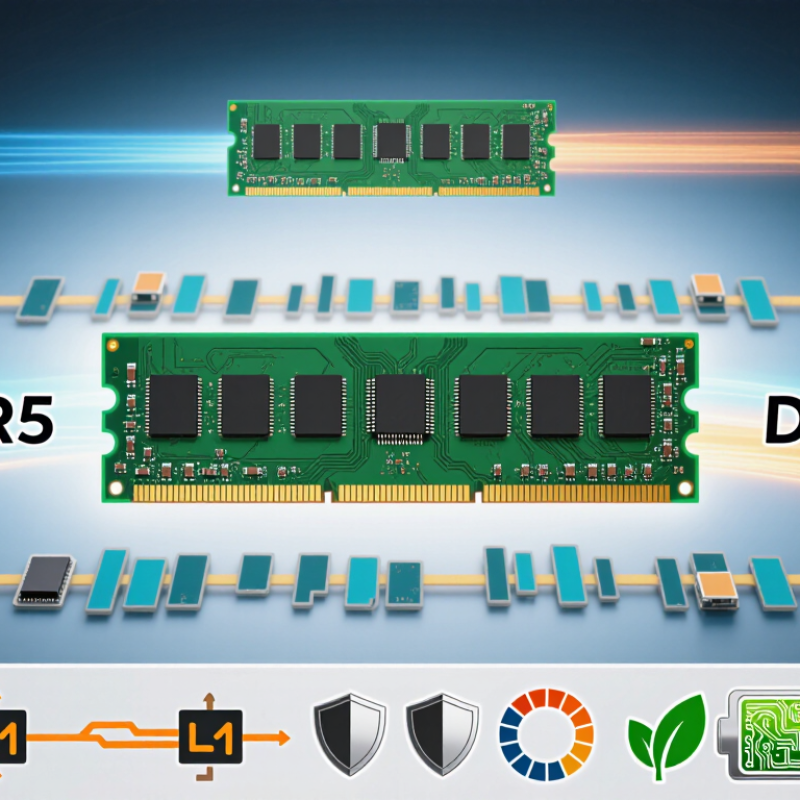
5 Tips to Understand Why DDR5 Is Faster Than DDR4
DDR5 improves memory architecture rather than simply increasing clock speed. Its effective data rates start higher, while its 16n prefetch transfers more data per cycle. DDR4 uses 8n prefetch. A single DDR5 module also provides two independent 32-bit subchannels. This design helps the memory controller serve smaller requests with less internal waiting. The result is smoother parallel access, especially during multitasking and content creation.
DDR5 expands the number of banks and bank groups available to the controller. Imagine more checkout lanes in a busy store. Several requests can remain active, even when one bank is refreshing. DDR5 also moves power management onto the module through an integrated power-management circuit. This can improve voltage control, although it adds another component that deserves attention during troubleshooting. On-die error correction improves internal chip reliability, but it is not the same as full system-level error-correcting memory.
Higher bandwidth does not guarantee lower latency. DDR5 timing values may look larger, so a poorly matched upgrade can feel less impressive in light desktop workloads. Real gains depend on the processor, software, capacity, and memory configuration. In measured workloads, bandwidth-heavy tasks usually benefit first. Games may show smaller changes. That distinction is easy to miss. I would avoid judging either generation from transfer speed alone; architecture, access patterns, and platform support matter just as much.
| Tip | Memory Architecture Dimension | DDR4 | DDR5 | Why DDR5 Can Be Faster |
|---|---|---|---|---|
| 1 | Data Transfer Rate | Common standard speeds range from 1,600 to 3,200 MT/s. | The standard range begins at 3,200 MT/s, with higher official speed grades available. | A higher transfer rate moves more data per second. At the same 64-bit bus width, 4,800 MT/s provides about 50% more theoretical bandwidth than 3,200 MT/s. |
| 2 | Channel Organization | One 64-bit data channel per standard memory module. | Two independent 32-bit data subchannels per standard memory module, forming the same 64-bit total data width. | The two subchannels can handle smaller requests more independently, improving scheduling efficiency and reducing the chance that part of a wider channel remains unused. |
| 3 | Burst Length | Burst length of 8 transfers, commonly called BL8. | Burst length of 16 transfers, commonly called BL16; a burst-chop mode can also serve shorter transfers. | Longer bursts improve the efficiency of sequential transfers by delivering more data after one command, which helps workloads that process contiguous blocks of memory. |
| 4 | Bank and Bank-Group Structure | Typically organized as 4 bank groups with 4 banks per group, for 16 banks per memory device. | Typically organized as 8 bank groups with 4 banks per group, for 32 banks per memory device. | More banks provide more internal parallelism, allowing memory operations to overlap more effectively and helping sustain higher throughput. |
| 5 | Power Delivery and On-Die Error Correction | Typical operating voltage is 1.20 V. Voltage regulation is generally handled on the motherboard. | Typical operating voltage is 1.10 V. A power-management integrated circuit is placed on the memory module, and on-die error correction is included inside the memory device. | Lower core voltage improves energy efficiency, while module-level power management can provide cleaner local power delivery. On-die error correction improves internal data reliability, but it is not the same as full system-level ECC memory. |
| Important note: DDR5 is not automatically faster in every workload. Real-world performance also depends on transfer rate, timings, memory-channel configuration, processor design, workload access patterns, and software optimization. CAS latency values should be compared in nanoseconds rather than by the CL number alone. | ||||
DDR5 moves more data per second through higher transfer rates and improved internal architecture. It is not just about clock speed.
A standard DDR5 module can reach about 38.4 GB/s of theoretical bandwidth. Comparable DDR4 memory reaches roughly 25.6 GB/s. That difference matters in data-heavy workloads.
Each DDR5 module uses two independent 32-bit subchannels. They handle smaller requests more efficiently than one wider channel. Think of two checkout lines instead of one.
DDR5 commonly uses a burst length of 16, while DDR4 commonly uses eight. The bus stays active longer after a request arrives. This can improve transfer efficiency.
DDR5 offers more banks and bank groups than DDR4. Several memory requests can remain active at once. One bank can refresh while others continue working.
No. Higher bandwidth does not guarantee lower latency. Some timing values may appear larger. Light desktop tasks may show only modest improvement.
Bandwidth-heavy tasks usually benefit first. Content creation, large data transfers, and multitasking can feel smoother. Gaming improvements may be smaller.
On-die correction improves reliability inside the memory chips. It is not the same as full system-level error-correcting memory. That distinction matters during system planning.
Check processor support, motherboard compatibility, capacity, firmware, and module configuration. The memory must match the platform. Transfer speed alone is an incomplete test.
Why DDR5 is faster than DDR4 comes down to several improvements in memory design and data handling. DDR5 uses a more advanced architecture that supports higher transfer rates, allowing it to move more data during each operating cycle. Its memory channels are organized more efficiently, which can improve communication between the memory and processor while reducing delays during multitasking. These changes help the system handle demanding workloads, large files, and data-intensive applications more smoothly.
DDR5 also introduces improved power management and operates at a lower voltage, helping increase efficiency while maintaining strong performance. In addition, it supports greater memory capacity and better scalability, making it more suitable for modern computers and future upgrades. Although actual results depend on the processor, motherboard, software, and workload, DDR5 can provide noticeable benefits in bandwidth, responsiveness, and overall system performance compared with DDR4.
