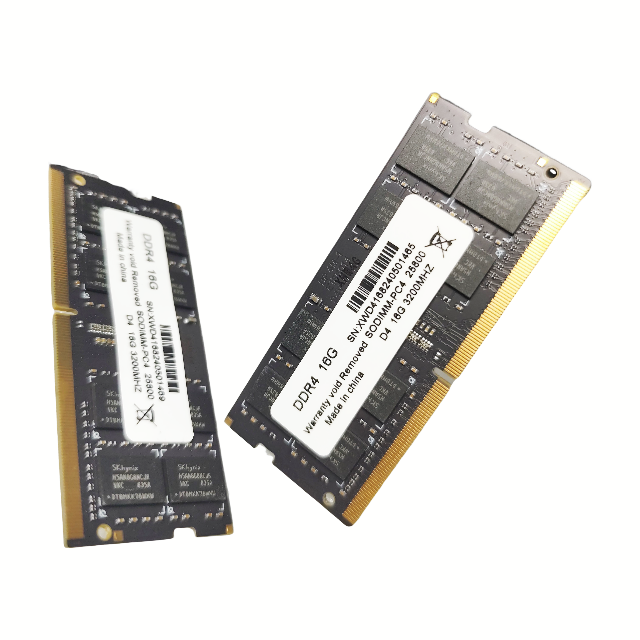
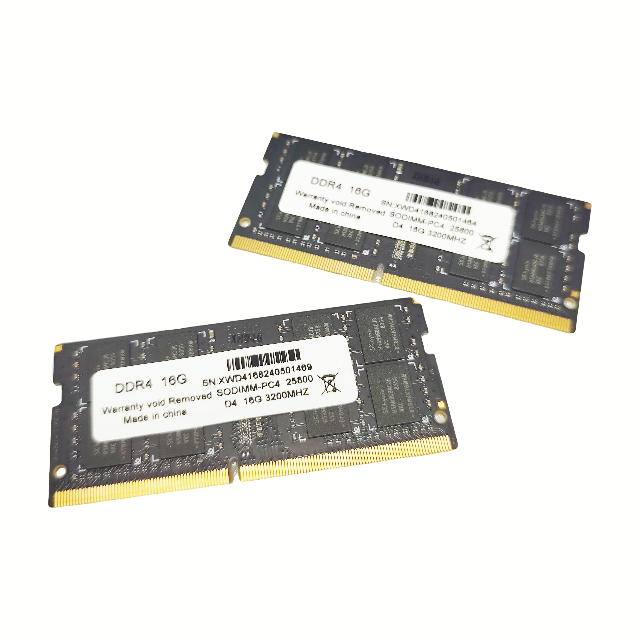
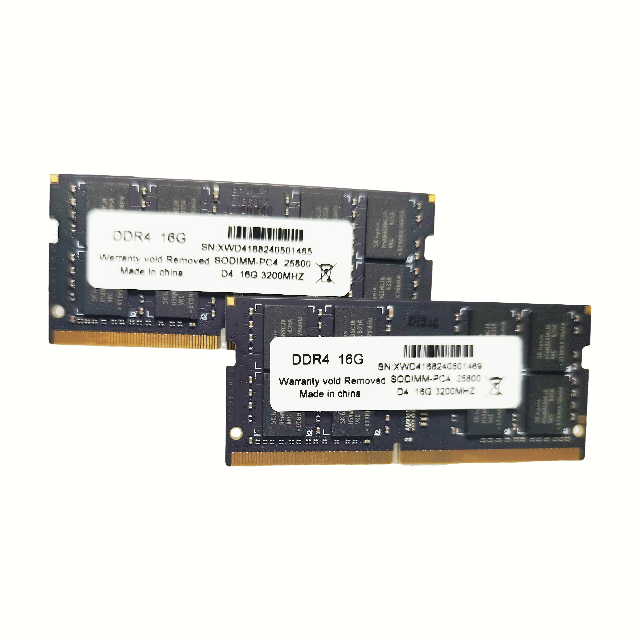
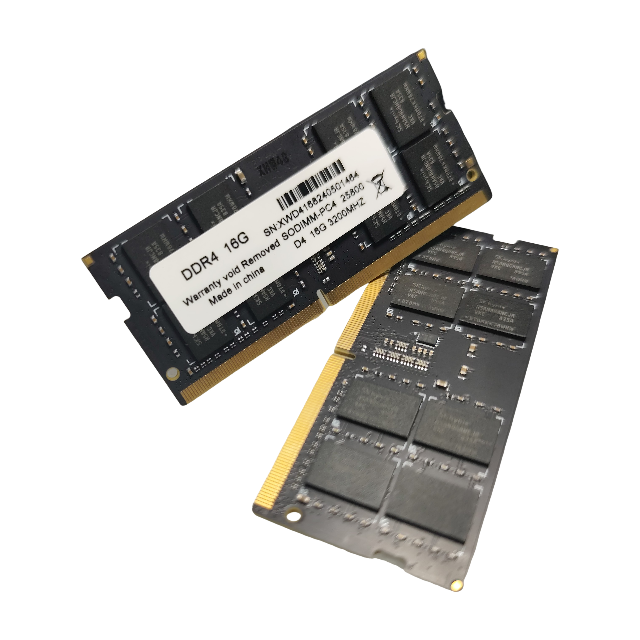
1. How do I confirm if this RAM module is compatible with my laptop?
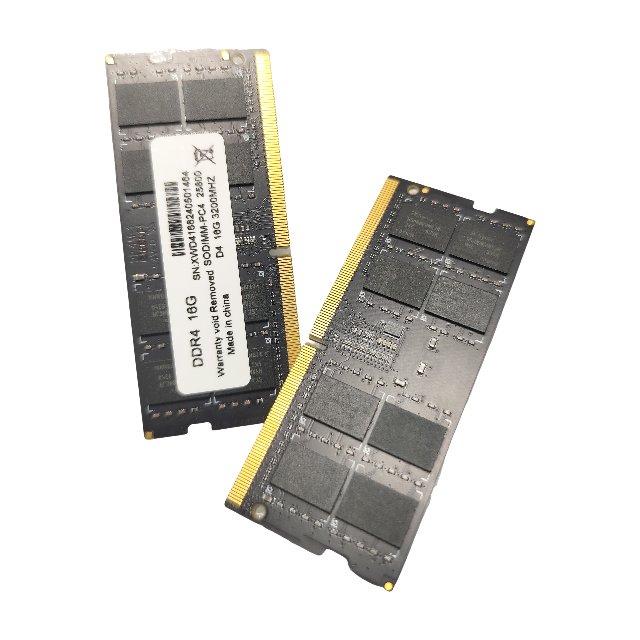
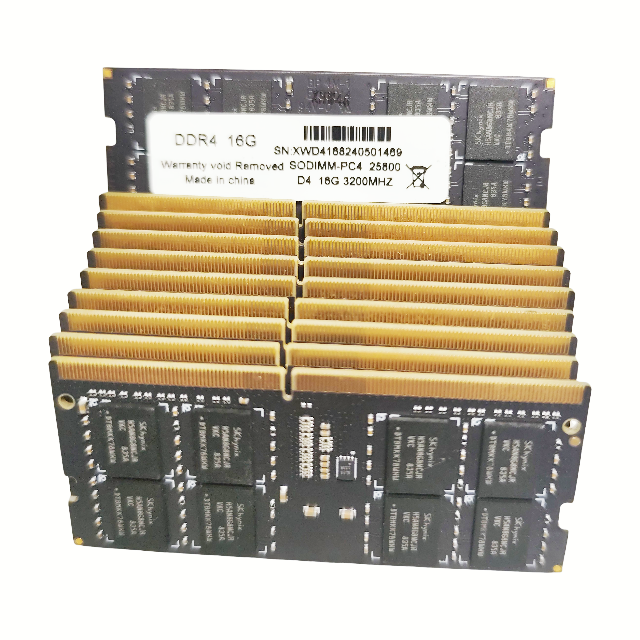
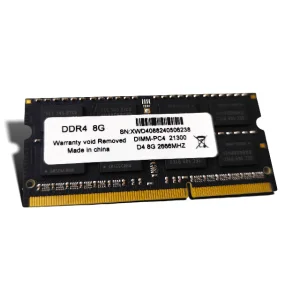
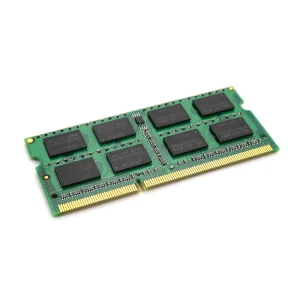
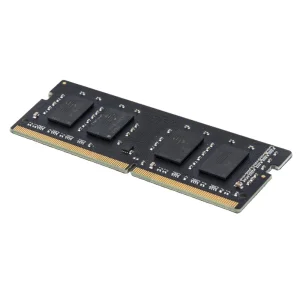
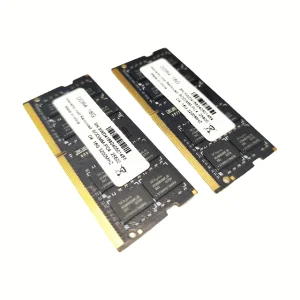
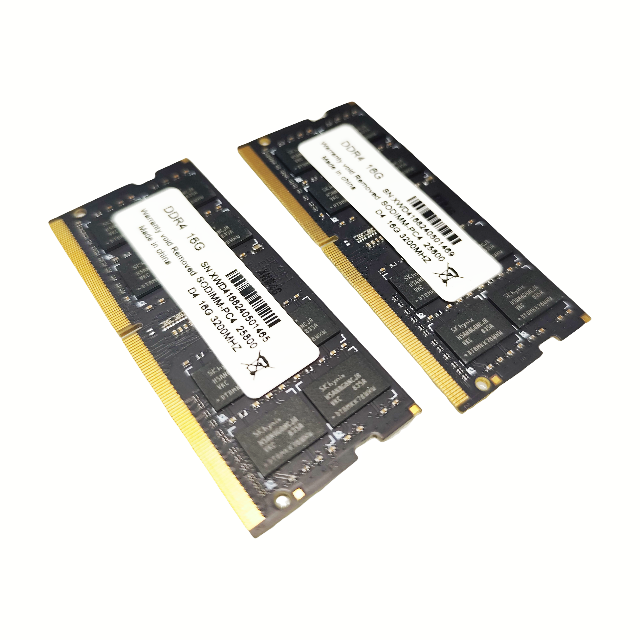
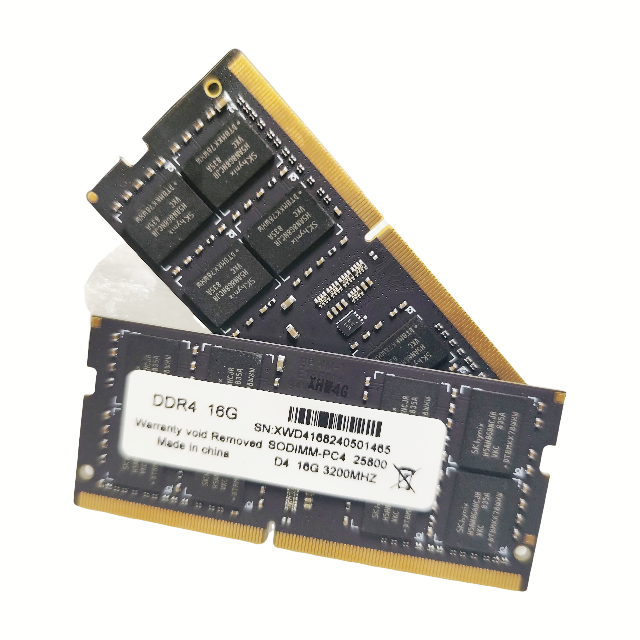
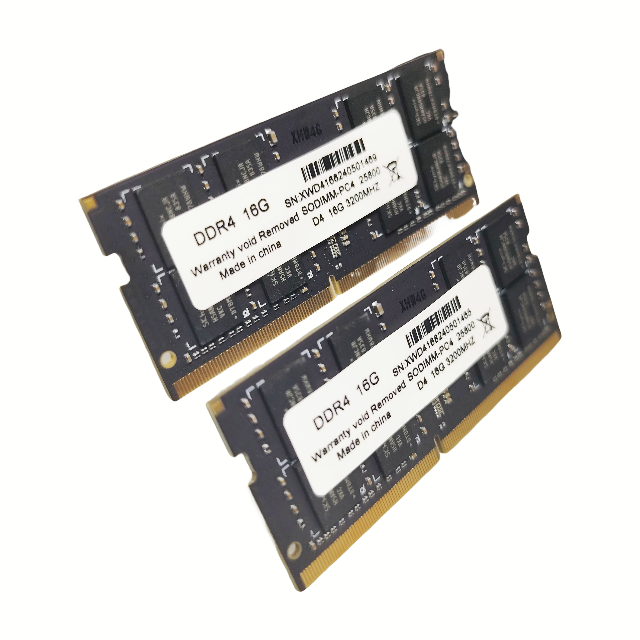
Please check your laptop's manual or use system diagnostic tools to confirm the supported memory type (DDR4), frequency, and maximum capacity before purchasing.
2. Is this memory module tested before shipment?
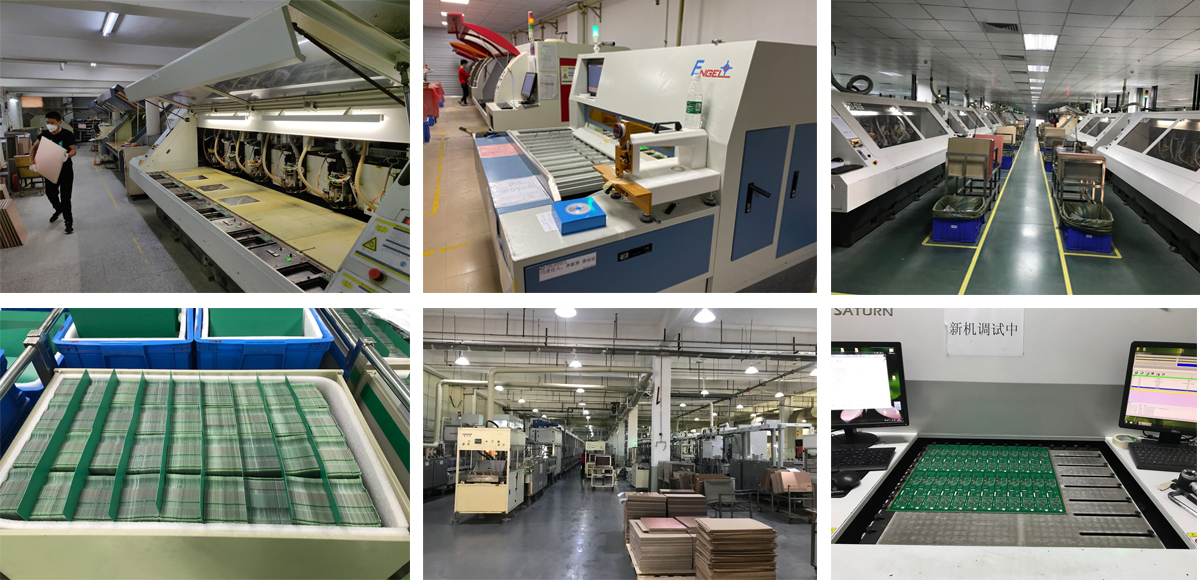
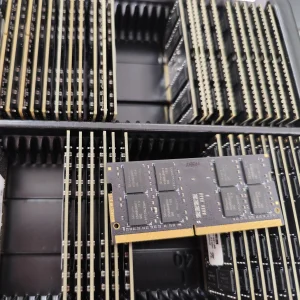
Yes, all our DRAM modules undergo rigorous quality control and stability testing to ensure high performance and reliability before being shipped.
3. What is the difference between DDR4 and other memory types?
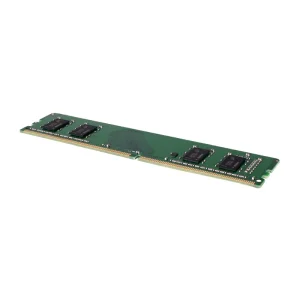
DDR4 offers higher bandwidth, improved power efficiency, and greater data integrity compared to older generations like DDR3. It is designed for modern computing requirements.
4. Do I need to configure settings in the BIOS after installation?
In most cases, the memory will be automatically detected. However, if you are using specific XMP profiles or high-frequency settings, you may need to enable them in the BIOS.
5. How should I handle the memory modules during installation?
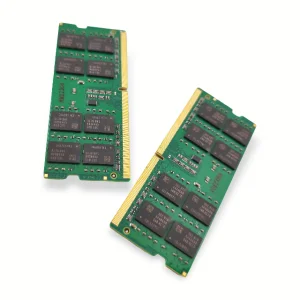
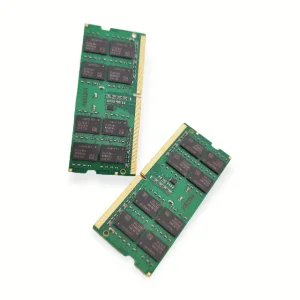
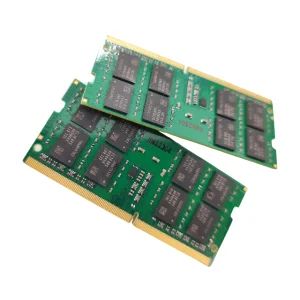
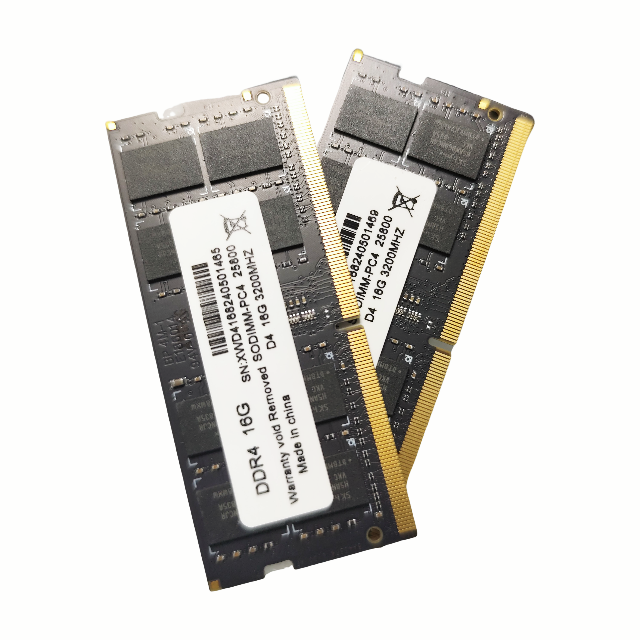
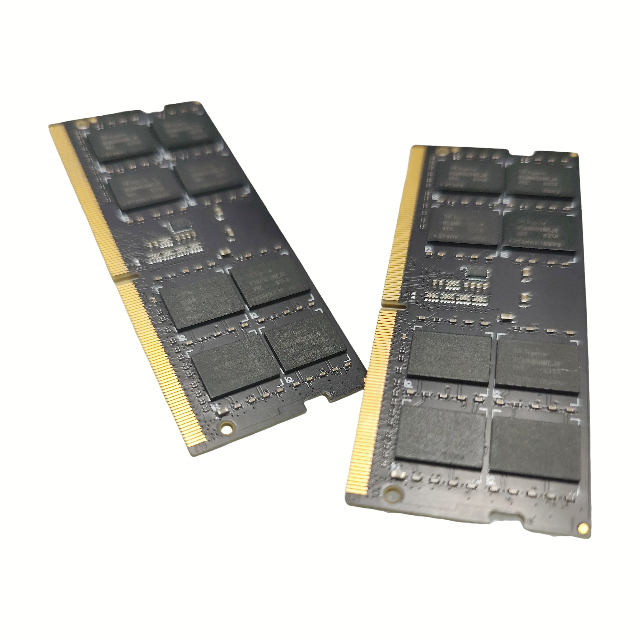
We recommend holding the modules by the edges to avoid touching the gold pins or electronic components. Ensure your laptop is powered off and unplugged before installation.
 VoltDRAM